How to Sell Your BGMI Account Fast: Complete Step-by-Step Guide (2026)
By Toishaa Soni · 30 July 2026
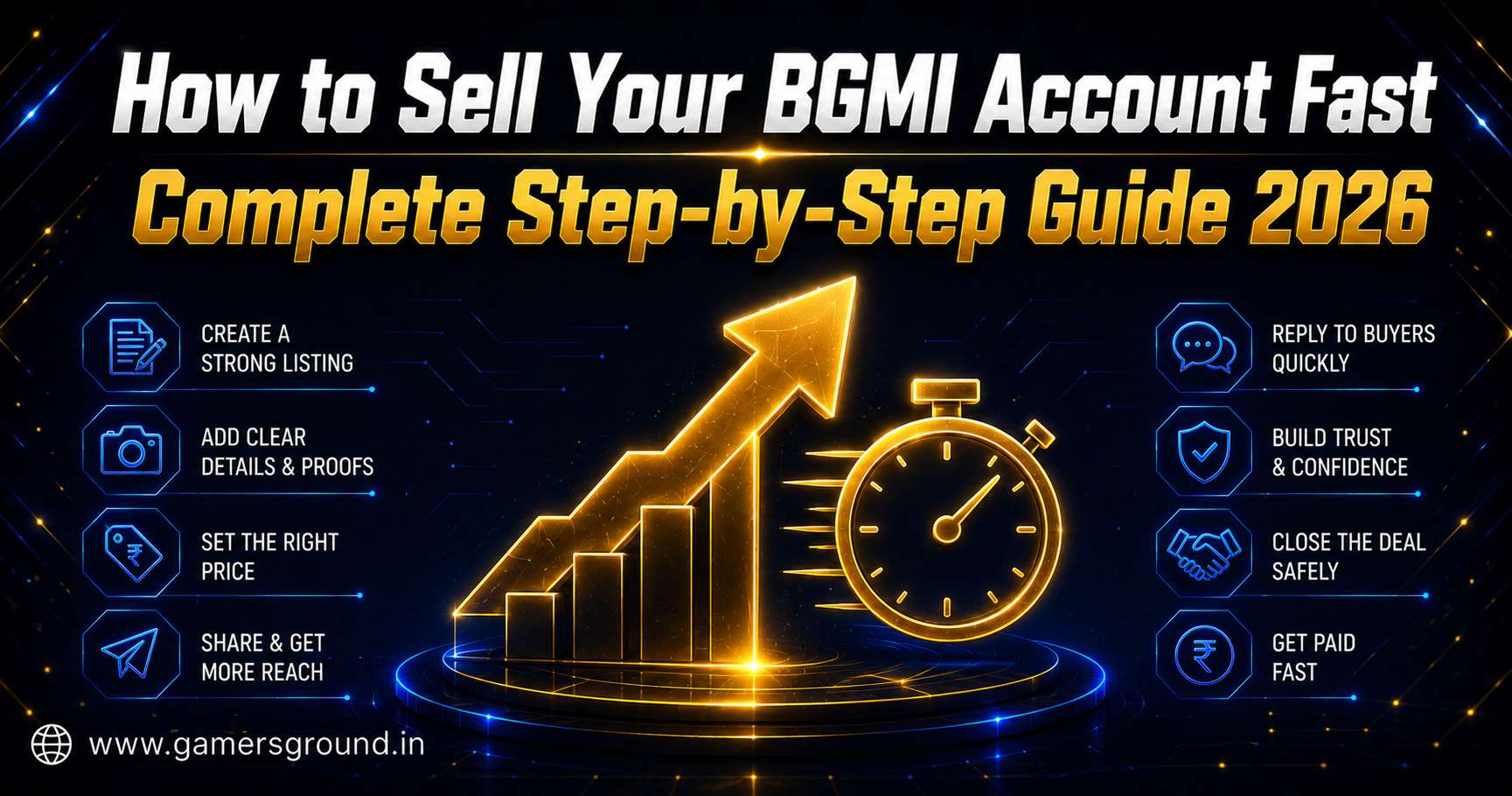
Selling a BGMI account fast isn't about luck. It's about pricing it right, listing it properly, and not scaring off buyers with a vague or sketchy-looking post. Here's the full process
Selling a BGMI account sounds simple until you actually try it. You post a listing, wait, and either nothing happens or you get three lowball offers from people who clearly aren't serious. The gap between "listed it" and "sold it fast for a fair price" comes down to a handful of specific things most sellers skip, not luck and not the account itself.
This is the full process, start to finish. Pricing, listing, verifying buyers, and handing the account over without giving away more than you should before payment clears.
Step 1: Price It Right Before You List It
Overpricing is the single biggest reason a listing sits untouched for weeks. Sellers anchor to what they paid or what they wish it was worth, not what buyers are actually paying right now for that rank and skin combination. A Diamond-tier account with a couple of common skins isn't pulling Conqueror money just because you've put hours into it.
Check current listings for accounts at your rank and inventory level before you set a price. If you're unsure, run your account's details through the BGMI account price calculator to get a realistic starting number, then adjust based on anything unique, rare skins, a clean ban history, an older account with real progression behind it.
Timing plays into this too. Prices for well-ranked accounts tend to move around season transitions, so if you're not in a rush, it's worth reading our breakdown of the best time to sell a BGMI account before you commit to a listing date.
Step 2: Write a Listing That Doesn't Look Like Every Other One
"Good account, DM for price" gets scrolled past instantly. Buyers are wary by default now, and a vague listing reads as either lazy or hiding something, neither of which gets you a fast sale.
Be specific. State the exact rank, current season stats, a rough count and names of notable skins, account age, and login type (Facebook, Google, or guest). Add a recent screenshot, not one from three months ago, showing the profile screen with your rank visible. If the account has a clean report history, say so directly, buyers ask about this anyway and stating it upfront saves everyone a round of messages.
One thing to avoid completely: don't imply the platform guarantees the sale or handles the transaction for you. Keep the listing focused on the account itself and let buyers know you're open to using GamersGround's chat to work out details before anything moves.
Step 3: Where to Actually List It
You've got two broad options, structured classified platforms or informal Telegram and Discord groups. Both can work, but they come with different trade-offs.
A platform built for this, like GamersGround's BGMI listings, gets your account in front of buyers who are actively filtering by rank and price rather than scrolling a group feed hoping to spot something. Listing history and seller activity also build up over time here, which matters more than people realize since a consistent seller with a track record moves accounts faster than someone with a brand-new profile.
Telegram groups can move fast too, sometimes faster for lower-value accounts, but there's no structure tracking whether you're a repeat seller with a good history or a first-timer. We go deeper into that specific comparison in our post on BGMI ID sell groups and Telegram channels, worth a read if that's where you're planning to list.
Step 4: Vet Buyers Before You Agree to Anything
Not every message you get is a real buyer. Some are just fishing for information, and a few are running the seller-side version of common scams, sending fake payment screenshots or asking to "test" the account before paying. Ask direct questions back. Why are they buying, is it for personal use or resale, and are they comfortable moving the conversation into platform chat where there's a record.
A buyer who pushes hard for your login details before any payment has moved, or who wants to pay through an unusual method with no confirmation, is worth being cautious about. Trust flows both directions in this market, and sellers get scammed just as often as buyers do.
Step 5: Handle the Handover Correctly
This is where deals go wrong most often, even legitimate ones. Confirm payment has actually cleared, not just that a screenshot was sent, before changing any account credentials. Once you've confirmed payment, change the linked email or update the password depending on login type, then walk the buyer through accessing the account rather than just dropping credentials and disappearing.
Keep a written record of the agreed price and handover steps somewhere, even a simple chat log. It's worth being upfront here: GamersGround doesn't process the payment itself or hold funds during this step. If both sides want extra security on a higher-value deal, you can request a mediator through GamersGround's WhatsApp, someone from the team stays involved through the handover so neither side is relying purely on trust. It's optional and works best when requested before the deal, not after something's already gone sideways.
| Step | What Actually Matters |
| Pricing | Match current market rate for rank and skin inventory, not sentimental value |
| Listing | Specific details, recent screenshot, honest ban history disclosure |
| Platform choice | Structured platform for visibility and history, groups for speed on lower-value accounts |
| Buyer vetting | Direct questions, willingness to use platform chat, no pressure to skip verification |
| Handover | Confirm payment cleared first, change credentials after, keep a record |
Building a Track Record Speeds Up Future Sales
If you sell accounts more than once, seller history compounds in your favor. A profile with consistent listings, accurate details, and no reported issues sells faster the second and third time around because buyers can see that pattern before they even message you. Our seller reputation score guide walks through exactly what builds that history and how it's calculated.
If you're also buying accounts occasionally, the same trust signals apply in reverse. Our post on spotting a trusted BGMI ID seller covers what buyers are actually checking for, which is useful context when you're the one being evaluated.
FAQ
What's the fastest way to sell a BGMI account?
Price it accurately against current market rates, write a specific and detailed listing with a recent screenshot, and list on a platform where buyers are actively filtering by rank and price. Vague listings and overpriced accounts are the two biggest reasons a sale drags out.
Should I give buyers my BGMI login before payment?
No. Confirm payment has actually cleared before changing credentials or handing over access. Sending login details first puts the entire transaction at risk with no way to reverse it.
Does GamersGround handle payment when I sell my BGMI account?
No, GamersGround is a classified listings platform, so payment happens directly between buyer and seller. If you want extra security on a deal, a mediator service is available through WhatsApp on request.
How do I know what price to list my BGMI account for?
Check current listings for accounts at a similar rank and skin inventory, or run your account's details through a BGMI price calculator for a starting estimate. Adjust from there based on anything unique about your account.
Ready to list? Sell your BGMI account on GamersGround and get it in front of buyers who are actually looking to buy.